

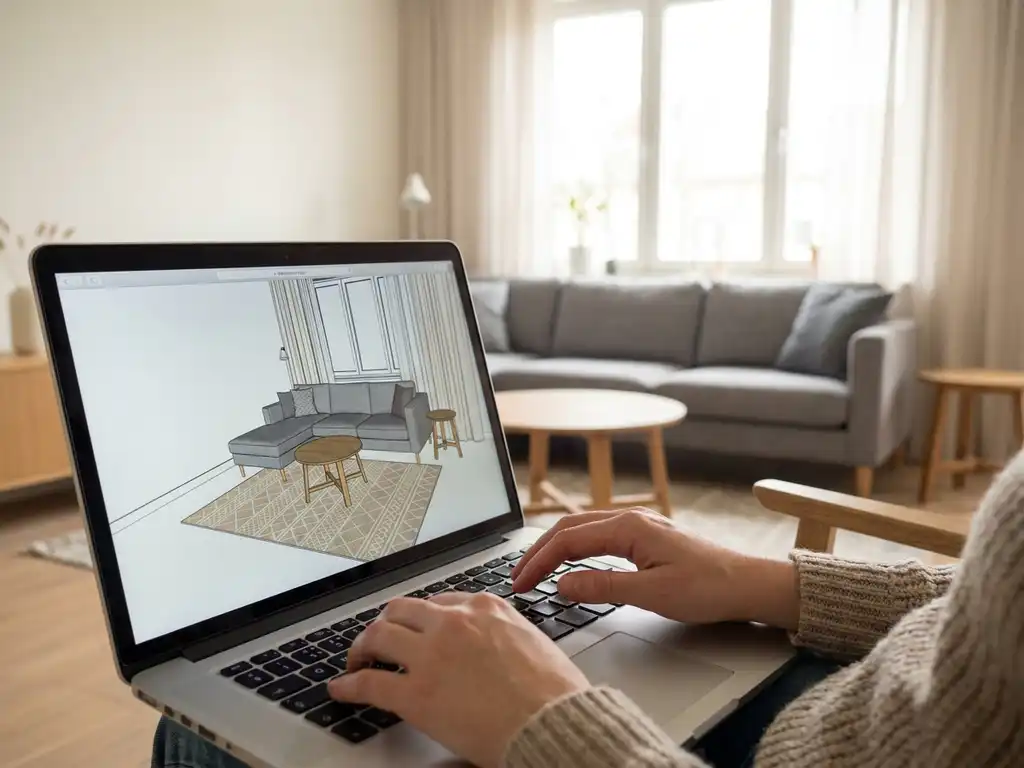
A 3D room planner runs in the browser without any download because it is built on web technologies such as WebGL, JavaScript, and cloud-based rendering engines. These technologies allow complex 3D graphics to run directly inside a standard browser, on any device, without requiring the user to install an application. The sections below unpack exactly how this works, what it means for furniture brands, and why it matters for online sales.
What makes a 3D room planner run in the browser without any download?
A browser-based 3D room planner uses WebGL, a JavaScript API that gives browsers direct access to a device’s graphics hardware. Combined with modern JavaScript frameworks and cloud-hosted 3D assets, this allows the room planning software to render photorealistic furniture scenes in real time, entirely inside the browser tab, with no plug-in or installation required.
When a user opens the room planner, the browser loads lightweight 3D models and textures from a content delivery network. The rendering happens locally on the device’s GPU, while heavier computation, such as configuration logic and pricing rules, is handled server-side. This split architecture keeps load times fast while supporting highly complex product catalogues.
The result is a seamless experience. A customer clicks a link on a furniture website and is immediately inside a fully interactive 3D room planning environment, with no friction and no waiting for an installer to run.
How does a web-based room planner handle real furniture configurations?
A web-based room planner handles real furniture configurations by connecting directly to a product configurator back end that stores all product rules, variants, dimensions, and pricing. When a user selects a sofa in a specific fabric or adjusts a shelving unit’s width, the room planner queries that back end in real time and updates the 3D scene instantly, reflecting the exact configured product.
This integration is what separates a serious room planning tool from a simple drag-and-drop layout toy. Advanced platforms support:
- Thousands or even millions of product variants per item, driven by configurable options such as size, material, colour, and finish
- Live pricing updates as the user makes configuration choices
- Lead time information displayed per configuration
- Business rules that prevent incompatible combinations from being selected
- Direct add-to-cart or quote functionality from within the room scene
This means the product a customer sees in the room planner is the exact product they can order, configured exactly as shown. That accuracy is critical for reducing returns and building purchase confidence.
Can a 3D room planner work on mobile and tablet without an app?
Yes, a well-built 3D room planner works fully on mobile and tablet without an app, because it is built on responsive web standards. Modern browsers on iOS and Android support WebGL, which means the same room planning software that runs on a desktop browser also runs on a smartphone, adapting its interface to touch input and smaller screens automatically.
Touch gestures replace mouse controls: pinch to zoom, swipe to rotate the camera, and tap to select or move furniture. The 3D models and textures are served in optimised formats suited to mobile GPU capabilities, so performance stays smooth even on mid-range devices.
For furniture brands, this matters enormously. A significant share of product browsing now happens on mobile, and any tool that requires a separate app download introduces friction that most users will not tolerate. A browser-based room planning tool removes that barrier entirely.
What’s the difference between a 3D room planner and a product configurator?
A 3D room planner is a spatial design tool that lets users arrange multiple furniture items within a room layout, experimenting with positioning, combinations, and overall interior design. A product configurator focuses on a single product, allowing the user to customise its options, such as fabric, size, leg finish, and configuration, and see the result in 3D. The two tools serve different but complementary purposes.
Here is how the two compare side by side:
- Scope: A room planner operates at the room level; a product configurator operates at the individual product level.
- Primary goal: Room planning helps customers visualise how multiple pieces work together in a space; a configurator helps customers build and validate a single product choice.
- Output: A room planner produces a full interior scene; a configurator produces a packshot or detailed 3D view of one configured item.
- Sales impact: Room planners increase basket size by encouraging multi-item purchases; configurators increase conversion by reducing doubt about a specific product.
The most powerful platforms combine both. When a room planner integrates a product configurator, users can configure individual items directly within the room scene, seeing exactly how their chosen fabric or size looks in context before ordering.
How do furniture brands embed a room planner into their website?
Furniture brands embed a room planner into their website through a JavaScript snippet or iframe integration that calls the room planning software via an API. Because the tool is entirely web-based, it loads inside the brand’s existing website without requiring changes to the site’s core infrastructure. The room planner inherits the brand’s visual identity through white-label configuration.
Integration typically involves three steps:
- Product data connection: The brand’s product catalogue, including 3D models, variants, pricing, and business rules, is connected to the room planning platform, usually via a PIM, ERP, or direct API feed.
- Embed code placement: A lightweight embed code is placed on the relevant pages of the webshop or brand site, launching the room planner in a dedicated view or as a full-screen experience.
- Commerce integration: The room planner connects to the webshop’s cart or checkout system so that configured products can be added to an order directly from within the room scene.
The same integration can be extended to dealer and retail partner websites, giving the brand consistent room planning software across its entire distribution network without duplicating effort.
Does a browser-based room planner improve online furniture sales?
Yes, a browser-based room planner measurably improves online furniture sales by reducing the uncertainty that prevents customers from committing to a purchase. Showing products in a realistic room context increases buying intent significantly, because customers can see how pieces fit their space, coordinate with other items, and look in their preferred configuration before placing an order.
The commercial impact shows up across several metrics:
- Higher conversion rates: Customers who interact with a room planner are more confident in their decision and less likely to abandon the purchase
- Larger order values: Room planning naturally encourages multi-item purchases as customers furnish a complete space rather than buying one piece at a time
- Fewer returns: When customers see exactly what they are ordering in context, disappointment on delivery drops substantially
- Reduced showroom dependency: An interactive online room planner extends the showroom experience to every customer, regardless of their proximity to a physical store
For furniture brands competing in an increasingly digital market, room planning software is not a nice-to-have feature. It is a core sales tool that bridges the gap between browsing and buying.
How iONE360 helps with 3D room planning
We built our room planning software specifically for the furniture and home furnishings industry, drawing on over 45 years of expertise. iONE360 offers two flexible paths to 3D room planning: a bespoke, white-labelled room planner built specifically for your platform, and HomeDecoHub, our ready-to-use room planning marketplace powered by the same proven furniture configurator software.
Here is what makes our approach stand out:
- Full integration with our product configurator, so customers can configure items directly inside the room scene and see live pricing
- Seamless connectivity with existing PIM, ERP, CMS, and webshop systems
- White-label flexibility so the room planner reflects your brand, not ours
- Consistent deployment across your own website and your dealer network
- No downloads, no apps, no friction for your customers on any device
- Scalable across your full catalogue, including products with millions of possible configurations
Whether you are a manufacturer looking to modernise your online experience or a retailer wanting to reduce showroom dependency, our platform is designed to grow with your business. Get in touch with us to see how iONE360 can transform your room planning and visual commerce strategy.
Frequently Asked Questions
How long does it typically take to get a 3D room planner up and running on a furniture website?
The timeline depends on the complexity of your product catalogue and the depth of your existing system integrations, but most furniture brands can go live within a few weeks using a platform like iONE360. The largest variable is usually the preparation of 3D product assets and the connection to your PIM or ERP. Brands with well-structured product data and existing 3D models can move significantly faster than those starting from scratch.
What quality of 3D models do I need to supply for a browser-based room planner?
Browser-based room planners work best with optimised, web-ready 3D models — typically in formats such as glTF or similar lightweight standards — rather than the heavy, high-polygon files used in offline rendering software. Most room planning platforms, including iONE360, can work with your existing CAD or design files and handle the optimisation process as part of onboarding. If you do not yet have 3D assets, professional 3D modelling services can create them from technical drawings, product photography, or physical samples.
Will a browser-based room planner slow down my website's page load speed?
A well-architected room planner will not negatively impact your website’s core page speed, because the room planning software loads independently — typically triggered by a user action such as clicking a ‘Design Your Room’ button — rather than loading alongside every page. The embed code itself is lightweight, and the 3D assets are fetched on demand from a content delivery network only when the planner is launched. This means your standard product pages and SEO performance remain unaffected.
What happens if a customer saves a room design — can they come back to it later?
Yes, most serious room planning platforms support session saving, allowing customers to store their room layout and configured product selections and return to them later via a unique link or a saved account. This is particularly valuable for considered, high-value furniture purchases where customers may plan over days or weeks before committing. Saved designs can also be shared with partners or family members, which extends the tool’s influence further into the purchase decision.
Can a 3D room planner be used by our retail dealer network, not just our own website?
Absolutely — and this is one of the most commercially valuable aspects of a web-based room planning tool. Because the software is entirely browser-based and delivered via an embed code or API, it can be deployed consistently across your own website and any number of dealer or retail partner sites without each partner needing to install or maintain anything. Dealers benefit from a powerful sales tool, and the brand maintains full control over product data, pricing rules, and visual standards across the entire network.
How do I measure whether the room planner is actually driving more sales?
The key metrics to track are conversion rate among users who engage with the room planner versus those who do not, average order value, return rates, and time-to-purchase for sessions that include room planning activity. Most platforms provide built-in analytics or integrate with tools such as Google Analytics so you can segment room planner users as a distinct audience. Comparing these cohorts over time gives you a clear, data-backed picture of the commercial impact the tool is delivering.
What are the most common mistakes furniture brands make when launching a room planner?
The most frequent mistake is launching with an incomplete or inconsistent product catalogue — missing variants, incorrect dimensions, or absent pricing rules — which undermines customer trust and creates support issues. A close second is burying the room planner deep in the site navigation rather than promoting it prominently on category pages, product pages, and marketing campaigns where buying intent is highest. Taking time to prepare your product data thoroughly before launch and treating the room planner as a primary sales channel rather than a secondary feature will deliver significantly better results.