

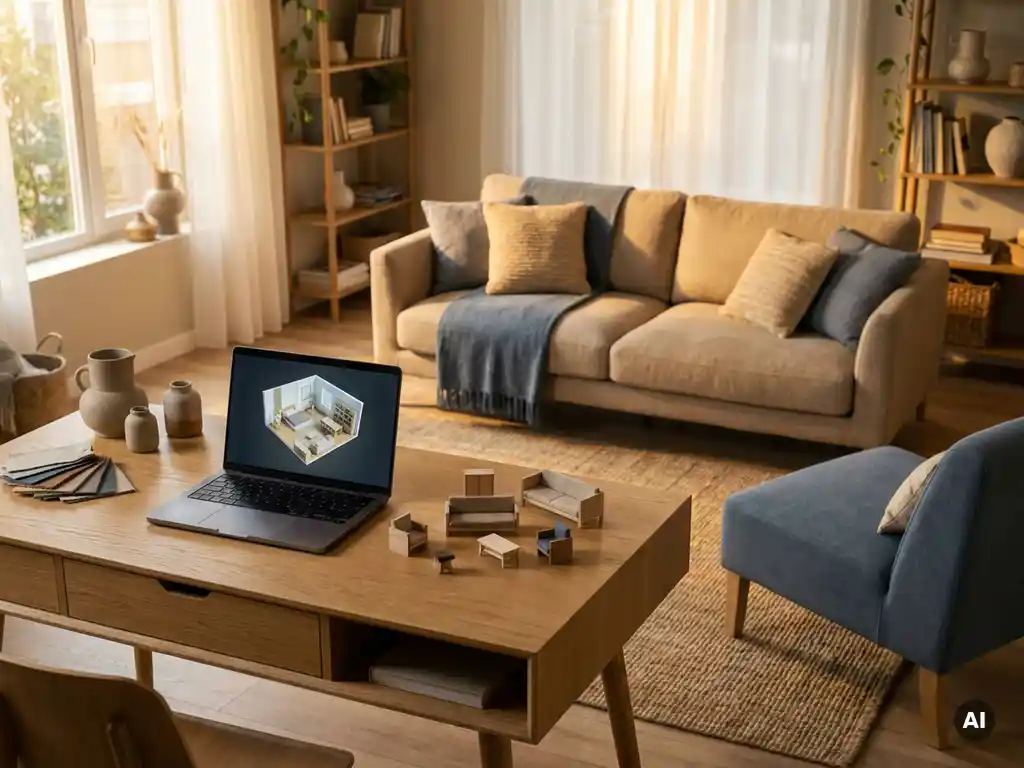
Room planning software works across multiple sales channels by running as a web-based tool that embeds directly into any digital or physical touchpoint, your webshop, in-store kiosk, dealer portal, or branded app, without requiring separate installations or duplicate data management. Because the product catalogue, pricing rules, and configuration logic live in a single connected platform, every channel draws from the same source. The sections below unpack how that works in practice, from what customers can do to how the software affects your bottom line.
What can customers actually do with room planning software?
With room planning software, customers can design a complete room layout by placing, arranging, and configuring furniture in a 3D environment, adjusting dimensions, materials, colours, and combinations in real time. They can zoom, rotate, and view the space from any angle, and in more advanced tools they can also add flooring, curtains, and wallpaper to see a fully decorated result before buying.
The practical range of actions goes well beyond basic floor planning. When a room planner is connected to a product configurator, customers can:
- Configure individual furniture pieces on the spot, selecting fabric, finish, size, and other options
- See live pricing and lead times update as they make choices
- Experiment with multiple layout combinations before committing to a single piece
- View the finished room in photorealistic 3D or augmented reality
- Add items directly to their cart from within the room scene
This level of interactivity removes the guesswork that traditionally makes furniture purchases stressful. When customers can see exactly how a sofa looks in their chosen fabric against their chosen flooring, their confidence in the decision rises significantly, and so does their willingness to buy.
How does room planning software connect to multiple sales channels?
Room planning software connects to multiple sales channels through a web-based architecture that embeds via a single integration point, typically an API or lightweight script, into any channel environment. Because the tool runs in a browser without downloads or plugins, it operates identically whether accessed through a brand webshop, a retailer’s website, an in-store screen, or a dealer portal.
The key to true multichannel reach is that the room planner is not a standalone island. It shares its product catalogue, configuration rules, and pricing logic with the wider platform, so every channel pulls from one consistent data source. A manufacturer can onboard a new retail partner and give them access to the same room planning experience without rebuilding anything from scratch.
There are two practical deployment paths worth knowing:
- Bespoke white-label integration: The room planner is built and branded specifically for your platform, embedded seamlessly into your webshop or dealer portal with your own look and feel.
- Marketplace participation: Brands can list their configurable products on a ready-to-use room planning marketplace, reaching consumers who are already actively designing spaces, without building their own dedicated tool first.
Both paths use the same underlying engine, which means visual quality, product accuracy, and configuration logic remain consistent regardless of where a customer encounters your products.
What’s the difference between in-store and online room planning experiences?
The core functionality of room planning software is the same in-store and online, customers arrange, configure, and visualise furniture in 3D. The difference lies in context and guidance: in-store, a sales associate typically guides the session on a large touchscreen or kiosk, while online the customer navigates independently at their own pace, often from home.
In a physical showroom, the room planner extends what the space can physically show. A store cannot stock every fabric, finish, and size combination, but a sales associate can use the room planning tool to demonstrate any configuration instantly. This transforms the showroom from a sample room into a virtually unlimited catalogue experience.
Online, the room planner serves a different but equally important role: it recreates the spatial confidence that customers normally only get in a store. Being able to place a sofa in a virtual version of your own living room, with your floor, your wall colour, your dimensions, reduces the uncertainty that causes hesitation and abandoned carts.
For furniture brands and retailers, this means the same tool does double duty: it supports your sales team in-store and your conversion funnel online, without requiring two separate systems or two separate content sets.
How does room planning software keep product data consistent across retailers?
Room planning software keeps product data consistent by centralising the catalogue in a single platform that all retail partners access. When a manufacturer updates a product, adding a new fabric option, adjusting pricing, or retiring a variant, that change flows automatically to every retailer using the tool, with no manual updates required at the retailer level.
This is particularly valuable for brands distributing through a dealer network. Without a centralised system, each retailer tends to maintain their own version of product information, leading to inconsistencies in how products are presented, priced, and described. Over time, this erodes brand perception and creates customer confusion.
A connected room planning platform solves this at the source. The manufacturer controls the product data, the visual assets, and the configuration rules. Retailers get access to an always-current, always-accurate representation of the catalogue, and the brand maintains full control over how its products appear in every channel.
Does room planning software integrate with ERP and PIM systems?
Yes, room planning software can integrate with ERP and PIM systems, and for furniture manufacturers and retailers operating at scale, this integration is essential. It ensures that the product data displayed in the room planner, descriptions, specifications, pricing, stock status, lead times, stays synchronised with the operational systems that manage that data centrally.
A well-integrated room planner pulls product information from your PIM rather than maintaining a parallel data set. This eliminates the risk of showing discontinued products, outdated prices, or incorrect specifications to customers. On the ERP side, orders placed through the room planning tool can feed directly into fulfilment and inventory workflows, reducing manual data entry and the errors that come with it.
For IT and product managers evaluating room planning solutions, integration depth is one of the most important criteria. A room planner that sits outside your existing tech stack creates maintenance overhead and data drift. One that connects natively to your PIM, ERP, CMS, and webshop becomes a genuine operational asset rather than a standalone marketing tool.
How does room planning software affect conversion rates and returns?
Room planning software improves conversion rates by reducing the uncertainty that stops customers from completing a purchase, and it reduces returns by ensuring customers have an accurate, realistic expectation of what they are buying. Both effects stem from the same root cause: better visualisation leads to more confident, better-informed decisions.
When customers can see a configured product placed in a room that reflects their own space, with their chosen materials, dimensions, and surrounding furniture, they are far less likely to second-guess the purchase. Showing products in a realistic room context has been shown to significantly increase buying intent, because the customer is no longer imagining how something might look; they can see it.
Returns in the furniture industry are disproportionately driven by expectation mismatches: the colour looked different on screen, the sofa was bigger than expected, the style did not work with the existing room. A room planner that accurately represents materials, scale, and spatial relationships addresses each of these directly. Customers who have designed their room and confirmed their choices before ordering have fewer reasons to return what arrives.
For retailers and manufacturers, the combined effect on revenue is meaningful: higher conversion from the same traffic, larger average order values from customers who confidently add complementary pieces, and lower reverse logistics costs from reduced returns.
How iONE360 helps with room planning across every sales channel
We built our room planning software specifically for the furniture and home furnishings industry, which means it handles the complexity that generic tools cannot: configurable products with thousands of variants, deep integration with industry-standard ERP and PIM systems, and the visual quality that furniture brands need to represent their products accurately.
Here is what sets our approach apart:
- One platform, every channel: The same room planner works on your webshop, in your stores, and across your dealer network, with consistent product data and visuals everywhere.
- White-label flexibility: We deliver a room planner that looks and feels like your brand, not a third-party tool dropped into your experience.
- Marketplace reach: Through HomeDecoHub, your products become available to customers already actively planning their rooms, without additional development effort.
- Native integrations: We connect to your existing PIM, ERP, CMS, and webshop so your product data stays accurate and your order flow stays clean.
- Built-in configurator: Customers can configure products directly inside the room planner, see live pricing, and order without leaving the experience.
- 45 years of industry expertise: Our platform is built on deep knowledge of how furniture businesses actually operate, from complex pricing rules to dealer network management.
If you are ready to see how room planning software can work across your specific sales channels, get in touch with us and we will walk you through what is possible for your catalogue and your setup.