

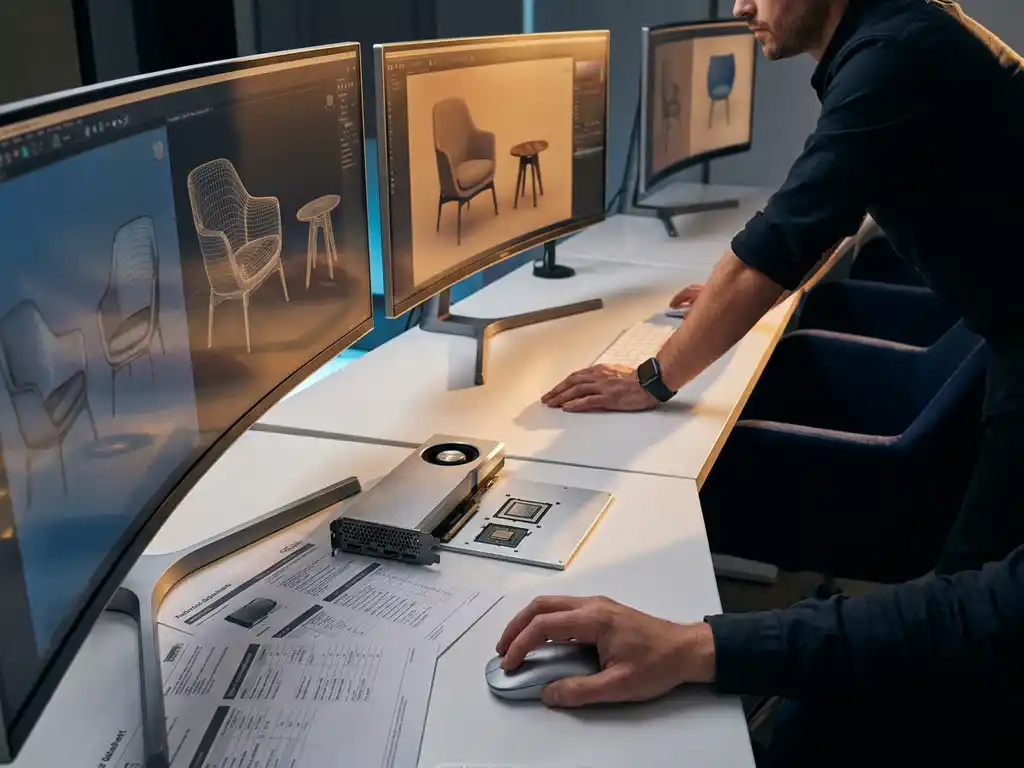
Room visualizer software requires modern web browsers with WebGL support, sufficient RAM (minimum 8GB recommended), a dedicated graphics card for optimal performance, and stable internet connectivity for real-time 3D rendering. The software must integrate with existing business systems like PIM and ERP platforms while maintaining security compliance standards for enterprise use.
What are the minimum system requirements for room visualizer software?
Room visualizer software requires a modern computer with at least 8GB RAM, a dedicated graphics card supporting WebGL 2.0, and a current web browser like Chrome, Firefox, or Safari. The system should have a stable internet connection of at least 10 Mbps for smooth real-time rendering and product loading.
The graphics processing unit plays a crucial role in 3D room planning software performance. Integrated graphics cards can handle basic visualization, but dedicated GPUs from NVIDIA or AMD provide significantly better performance for complex scenes with multiple furniture pieces and realistic lighting effects. For professional use, consider systems with at least 4GB of video memory to handle detailed product models and high-resolution textures.
Mobile devices need additional considerations for 3D room planner functionality. Tablets with ARM-based processors and modern smartphones can run web-based room planning software, though performance varies significantly. iOS devices generally provide more consistent WebGL performance, while Android devices require careful optimization to ensure smooth operation across different hardware configurations.
How much bandwidth and server capacity does room visualization require?
Room visualization platforms typically require 50-100 Mbps server bandwidth per concurrent user for optimal performance, with cloud hosting solutions needing scalable CPU and GPU resources. Storage requirements range from 500GB to several terabytes depending on the product catalog size and 3D model complexity.
Content delivery networks become essential for global room planning software deployment. 3D models, textures, and scene data can reach several megabytes per product, making local caching crucial for acceptable loading times. CDN infrastructure should include edge servers in major markets to reduce latency and improve user experience across different geographic regions.
Database architecture must handle complex product relationships and real-time configuration changes. Room visualizers generate numerous API calls for product variations, pricing updates, and scene modifications. Plan for database systems that can process thousands of concurrent requests while maintaining data consistency across inventory, pricing, and configuration rules.
What integration capabilities should room visualizer software have?
Room visualizer software must integrate with Product Information Management (PIM) systems, Enterprise Resource Planning (ERP) platforms, e-commerce websites, and Customer Relationship Management (CRM) tools through REST APIs and webhooks. Real-time data synchronization ensures accurate pricing, inventory levels, and product specifications across all systems.
PIM integration forms the backbone of effective space planning software functionality. The system should automatically pull product dimensions, materials, colors, and configuration options from your existing product database. This connection eliminates manual data entry and ensures customers always see current product information and availability when designing their spaces.
E-commerce platform integration enables seamless purchasing workflows directly from the room planner. Customers should move from design to checkout without leaving the visualization environment. The software must pass configured product specifications, quantities, and pricing to your shopping cart system while maintaining session continuity and user preferences.
How does 3D rendering technology work in room visualizers?
3D rendering in room visualizers uses WebGL technology to process geometric models, apply realistic materials and lighting, and render scenes in real-time within web browsers. The system combines vertex shaders for object positioning with fragment shaders for surface appearance, creating photorealistic furniture visualization without requiring software downloads.
The rendering pipeline starts with 3D model optimization for web delivery. Complex CAD files are converted into efficient mesh formats with reduced polygon counts while maintaining visual quality. Texture compression and level-of-detail systems ensure fast loading times while preserving realistic material appearance for fabrics, wood grains, and metal finishes.
Real-time ray tracing and global illumination create realistic lighting effects that show how furniture will actually look in different room conditions. Modern room planning software calculates shadows, reflections, and ambient lighting dynamically as users adjust window positions, add lamps, or change wall colors, providing accurate visual feedback for design decisions.
What security and compliance requirements apply to room visualization platforms?
Room visualization platforms must comply with GDPR for European users, implement SSL encryption for data transmission, maintain SOC 2 compliance for enterprise customers, and follow industry-standard security practices including regular penetration testing and vulnerability assessments. Customer design data requires secure storage with appropriate backup and disaster recovery procedures.
Data privacy regulations vary by region but generally require explicit consent for collecting customer design preferences and room layouts. The system must provide clear privacy policies, allow data deletion requests, and implement data minimization practices. Consider implementing privacy-by-design principles that collect only necessary information for functionality.
Enterprise security requirements often include single sign-on (SSO) integration, multi-factor authentication, and role-based access controls. B2B customers need audit trails showing who accessed what data and when, along with the ability to restrict certain features based on user permissions. Regular security audits and compliance certifications help maintain customer trust and meet procurement requirements.
How iONE360 helps with room visualizer technical requirements
We provide a comprehensive room planning solution that handles all technical complexities while integrating seamlessly with your existing systems. Our platform offers:
- Cloud-based infrastructure that scales automatically with your user base
- Pre-built integrations with major PIM, ERP, and e-commerce platforms
- Optimized 3D rendering that works across all devices and browsers
- Enterprise-grade security with SOC 2 compliance and GDPR adherence
- White-label customization that matches your brand identity
Built on over 45 years of furniture industry expertise, our solution eliminates the technical barriers that prevent businesses from implementing effective room visualization. Ready to see how our platform can transform your customer experience? Explore our showcases or contact us for a personalized demonstration.
Frequently Asked Questions
How do I know if my current hosting infrastructure can handle room visualization software?
Test your current setup by monitoring CPU and memory usage during peak traffic periods, then compare against the 50-100 Mbps per concurrent user requirement. If you’re experiencing slow loading times or crashes with your existing web applications, you’ll likely need to upgrade your hosting plan or migrate to a cloud solution with dedicated GPU resources before implementing room visualization.
What happens if my PIM or ERP system doesn't have an API for integration?
You can still integrate through CSV file exports/imports, database connectors, or middleware solutions like Zapier or MuleSoft. Many room visualizer providers offer custom integration services to build connections with legacy systems. However, real-time synchronization will be limited, so consider upgrading your core systems for optimal performance.
Can room visualization software work on tablets and mobile devices for sales teams?
Yes, modern web-based room visualizers work on tablets and smartphones, though performance varies by device. iPads and high-end Android tablets provide the best mobile experience, while older devices may struggle with complex 3D scenes. For sales teams, consider providing tablets with at least 4GB RAM and recent processors for reliable field demonstrations.
How long does it typically take to implement room visualization software?
Basic implementation takes 2-4 weeks for simple setups, while complex enterprise integrations with multiple systems can require 8-12 weeks. The timeline depends heavily on your existing system architecture, the number of products to be configured, and custom branding requirements. Plan for additional time for staff training and testing phases.
What are the ongoing maintenance costs for room visualization platforms?
Beyond the software licensing fees, budget for hosting costs (typically $500-2000/month depending on usage), regular 3D model updates as your product catalog changes, and potential integration maintenance as your other systems receive updates. Cloud-based solutions often include maintenance in their pricing, while self-hosted options require dedicated IT resources.
How do I handle customer data privacy when using room visualization software?
Implement clear privacy policies that explain what design data you collect and how it’s used, ensure your room visualizer provider is GDPR and regional privacy law compliant, and provide customers with options to delete their saved designs. Consider anonymizing customer data for analytics while maintaining the ability to retrieve designs for legitimate customer service needs.
What should I do if the room visualizer is too slow for my customers?
First, check if your 3D models are optimized for web delivery – oversized files are the most common performance issue. Then verify your hosting bandwidth can handle concurrent users and consider implementing a CDN for faster global access. If problems persist, you may need to upgrade your graphics processing resources or simplify your 3D models to reduce rendering complexity.