

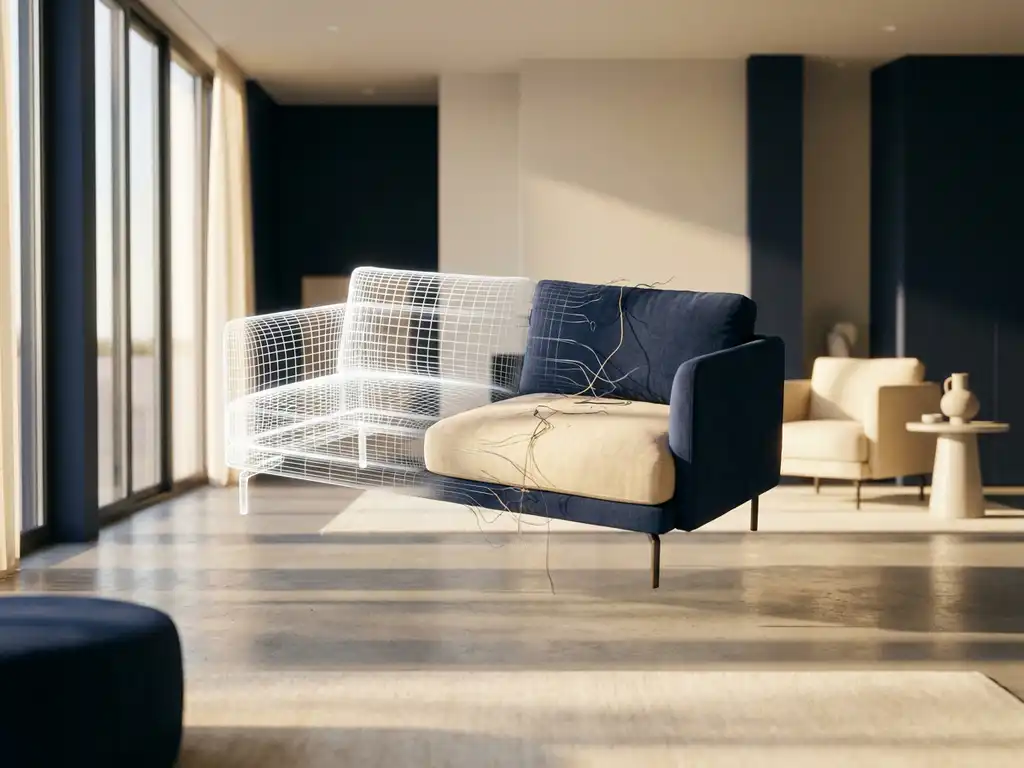
A furniture visualizer, also called a 3D furniture viewer or furniture visualization tool, is a digital tool that lets customers see and interact with furniture products in realistic 3D environments before making a purchase. These sophisticated platforms use advanced rendering technology to create photorealistic images and interactive experiences, enabling customers to use a virtual furniture viewer to see exactly how a piece will look in their actual space, directly through a web browser or mobile app.
What is a furniture visualizer and how does it work?
A furniture visualizer is a 3D software platform that creates interactive, photorealistic representations of furniture products. It works by converting product data and specifications into detailed 3D models that customers can rotate, customize, and place in virtual room environments through their web browser or mobile device.
The technology operates through several integrated components. First, 3D modeling software creates detailed digital representations of furniture pieces, capturing textures, materials, and proportions with precision. These models are then rendered using advanced graphics engines that simulate realistic lighting, shadows, and material properties. The visualization engine processes customer inputs in real time, instantly updating colors, fabrics, sizes, and configurations as users make selections.
Modern furniture visualizers also incorporate room planning software that allows customers to design complete spaces. Users can upload photos of their rooms or choose from preset environments, then drag and drop furniture pieces to create layouts. The software calculates spatial relationships, ensuring furniture fits properly and looks natural within the chosen environment.
Because furniture is a considered purchase that often involves more than one person, modern online furniture visualizers allow customers to save their room layouts and product selections at any point and return to them later without starting over. Customers can share a saved configuration with a partner, family member, or interior designer by sending a link, making collaborative decision-making easy even when people are not in the same location. This continuity across sessions reflects how people actually shop for furniture, supporting a purchase journey that may span several weeks from first exploration to final order.
What is the difference between 2D and 3D furniture visualization?
2D furniture visualization displays static, flat images from fixed viewpoints. 3D furniture visualization creates interactive, dimensional models that customers can rotate, zoom, and view from any angle. The key advantages of 3D over 2D are spatial depth, realistic lighting simulation, real-time material customization, and the ability to place products in virtual room environments.
Traditional 2D visualization relies on professional photography or digital renderings that show furniture from predetermined angles. While these images can be high quality, they are limited in scope and require separate photos for each color, fabric, or configuration option. Customers must use their imagination to understand how pieces will look from different perspectives or in their specific spaces.
3D visualization transforms this experience by creating fully dimensional models. Customers can orbit around furniture pieces, examine details from above or below, and see how different materials catch light. The technology also enables real-time customization where color and fabric changes appear instantly without loading new images. This interactive approach reduces purchase uncertainty and builds confidence in buying decisions.
One significant limitation of traditional product photography is that studio lighting rarely matches the lighting in a customer’s home, meaning a fabric sofa can appear warmer or cooler in reality than in the catalog image. 3D furniture visualization engines simulate a range of lighting conditions, including natural daylight, warm incandescent tones, and cooler LED environments, so customers can preview how a piece will look under conditions that resemble their own room. Customers who see a product under realistic lighting conditions are better prepared for what arrives at their door, which directly supports the return-reduction benefits that 3D visualization delivers.
How does furniture AR visualization enhance the shopping experience?
Furniture augmented reality (AR) visualization allows customers to place virtual furniture directly into their real spaces using smartphone cameras, providing accurate scale representation and spatial context. AR eliminates guesswork about size and fit, and lets customers see exactly how a product will look in their actual room before purchasing.
AR technology works by using device cameras to capture the customer’s real environment, then overlaying 3D furniture models onto the live camera feed. Advanced AR systems use spatial recognition to detect floors, walls, and existing furniture, ensuring virtual pieces are properly anchored and scaled within the space. Customers can walk around virtual furniture, view it from different angles, and move pieces to try various arrangements.
The shopping experience becomes more confident and engaging when customers can visualize products in context. AR directly addresses common pre-purchase concerns: whether a sofa will fit through a doorway, whether a dining table is the right size for the room, or how a new piece will coordinate with existing decor. This increased confidence leads to higher conversion rates and fewer returns, as customers make more informed purchasing decisions.
Beyond visual placement, advanced AR furniture visualization tools let customers verify spatial fit with near-millimeter accuracy, so they can confirm a wardrobe will fill a recess or a sectional will clear a doorway before the delivery truck arrives. The AR system reads the room’s real dimensions through the device camera and overlays the product at true scale, making guesswork obsolete. For retailers, this capability translates directly into fewer failed deliveries, fewer returns, and stronger post-purchase satisfaction, making an online furniture visualizer with this feature a meaningful operational asset.
Why immersive visualization builds purchase confidence
When customers can rotate, zoom, and place a virtual piece of furniture in their own room, they shift from passive browsing to active decision-making. This sense of interaction, sometimes called a feeling of presence, makes the product feel real and already owned, which research in consumer psychology links to higher purchase intent and lower post-purchase regret. The result is a shopping experience that feels closer to visiting a showroom than scrolling through a static catalog.
This effect is especially powerful for high-value purchases like furniture, where the stakes of getting it wrong are high and the purchase cycle is long. A furniture visualization tool that delivers this immersive experience reduces the emotional risk of buying online, making customers more willing to commit without visiting a physical store. For retailers, this means the quality and depth of the visualization experience is not just a technical feature but a direct driver of conversion and customer satisfaction.
What types of furniture work best with a 3D furniture visualizer?
3D visualization technology can represent virtually any category of furniture — from simple single-piece items like chairs and tables to complex modular systems such as kitchen cabinets and built-in storage solutions. The technology handles both standard catalog items and highly customizable products with multiple configuration options, materials, and finishes.
Living room furniture translates particularly well to 3D visualization. Sofas, sectionals, coffee tables, and entertainment centers benefit from the ability to show different fabric options, configurations, and arrangements. Customers can see how modular seating connects, compare leather versus fabric options, and understand scale relationships between pieces.
Bedroom and dining furniture also work excellently in 3D environments. Bed frames with different headboard styles, dining sets with various chair options, and storage solutions with multiple drawer configurations become easy to explore and customize. Office furniture, outdoor pieces, and complex items like adjustable desks or reclining mechanisms can be accurately represented and demonstrated through interactive 3D models.
Why do furniture retailers need a furniture visualization tool?
Furniture businesses need visualization technology to overcome the inherent challenges of selling large, expensive products online. Because furniture is high-value and difficult to return, purchase hesitation is high. Visualization technology reduces that hesitation, decreases return rates, increases average order values, and provides a measurable competitive advantage in a digital marketplace.
The furniture industry faces unique selling challenges compared to other retail categories. Products are typically high-value purchases that customers expect to keep for years. Size, style, and color matching with existing decor are critical factors that traditional product photos cannot adequately address. Visualization technology bridges this gap by providing the detailed, contextual information customers need to make confident decisions.
Operational benefits extend beyond customer experience. Businesses can reduce photography costs by generating unlimited product images from 3D models. Sales teams can demonstrate products more effectively, and customer service inquiries about product details decrease when customers can explore items thoroughly online. The technology also enables businesses to showcase their full catalog without physical inventory limitations, expanding sales opportunities without increasing overhead costs.
How a furniture visualizer guides customers from browsing to buying
The customer journey typically begins in the orientation stage, where shoppers browse a retailer’s catalog and use the 3D furniture viewer to rotate products and compare fabric options without committing to a purchase. At this point, the richness of the visual experience determines whether a customer stays engaged or moves on. A well-implemented furniture visualization tool gives retailers the ability to hold attention and spark genuine interest from the very first interaction.
In the configuration stage, shoppers move from exploration to personalization, selecting colors, materials, and sizes in real time and seeing every change reflected instantly in the photorealistic model. This active involvement deepens engagement and creates a sense of investment in the product. The more closely the on-screen result matches what the customer imagines in their home, the stronger the intent to purchase becomes.
The decision stage is where AR visualization acts as the final confidence trigger. The customer places the virtual sofa or dining table in their own room via smartphone camera, confirms the scale and style, and completes the purchase with a clear picture of what is arriving. This guided journey from discovery to order is directly connected to the results furniture retailers see in practice: a 15-25% increase in conversion rates and a 30-40% reduction in returns, consistent with industry benchmarks across the sector.
How iONE360 helps with furniture visualization
We provide comprehensive visual commerce solutions specifically designed for the furniture industry, combining 3D product configuration, photorealistic rendering, and integrated room planning in a single solution.
Unlike general-purpose 3D rendering tools, our platform is built exclusively for the furniture and interior market, which means every feature, from configurator logic to room planning, is designed around the specific complexity of furniture products. Our approach is pragmatically scalable: retailers can start with a focused product range and expand to their full catalog without re-platforming or rebuilding 3D assets. Deep integration with PIM, ERP, and e-commerce platforms means the visualizer connects to existing business systems rather than creating a separate silo. Our white-label architecture ensures the entire visual experience carries the retailer’s own brand identity, not ours.
Our approach is cost-effective, pragmatically scalable, and designed for real-world implementation. We offer white-label solutions that preserve brand identity across all customer touchpoints, and our platform connects with PIM, ERP, and e-commerce systems without requiring a full-stack overhaul. For furniture retailers and manufacturers evaluating visualization technology, iONE360 consistently delivers the depth of functionality and industry specialization that general-purpose platforms cannot match.
- Advanced 3D furniture configurator with real-time customization and live pricing
- Automated high-quality product image generation that eliminates ongoing photography costs
- Integrated AR experiences that run directly in web browsers — no app download required
- Comprehensive room planning tools for complete space design
- Seamless integration with PIM, ERP, and e-commerce platforms
- White-label solutions that maintain your brand identity across all touchpoints
Furniture retailers who implement a 3D furniture visualization platform typically see conversion rate increases of 15-25% and return rate reductions of 30-40% within the first six months, consistent with industry benchmarks across the sector. The investment typically pays back within 8-12 months through a combination of increased sales revenue and eliminated photography costs. Our platform is designed specifically to deliver these outcomes for furniture businesses of all sizes, giving retailers a clear and measurable return on their technology investment.
Scaling furniture visualization across large catalogs and multiple channels
Enterprise furniture retailers often manage thousands of SKUs across multiple markets, and a robust furniture visualization tool must generate and update product assets automatically as catalogs expand, without requiring manual re-rendering for every new variant. As product ranges grow and new materials or configurations are introduced, the platform needs to handle this complexity without creating bottlenecks in the content production workflow. Automation at the asset level is what allows large retailers to keep their visualization experiences current and comprehensive at scale.
The same 3D models and AR experiences can be published consistently across a brand’s own webshop, marketplace listings, and in-store kiosks, ensuring a uniform visual commerce experience at every touchpoint. This multi-channel consistency means customers encounter the same high-quality, interactive product presentation whether they discover a product on a brand’s website, a third-party platform, or a digital display in a physical showroom. For retailers with international operations, a centrally managed visualization platform also simplifies localization and ensures brand standards are maintained across every market.
Ready to see how visualization technology can transform your furniture business? Explore our showcases to see the technology in action, or contact us for a personalized demonstration tailored to your specific needs.
Frequently Asked Questions
How long does it typically take to implement a furniture visualization platform?
Implementation timelines vary based on catalog size and complexity, but most furniture businesses can launch their visualization platform within 4-8 weeks. This includes 3D model creation, system integration, and staff training. Businesses with extensive catalogs or complex customization options may require 10-12 weeks for full deployment.
What's the typical ROI for investing in furniture visualization technology?
Most furniture retailers see a 15-25% increase in conversion rates and a 30-40% reduction in returns within the first six months of implementation. The technology typically pays for itself within 8-12 months through increased sales and reduced photography costs, with ongoing benefits including lower customer service costs and expanded showcase capacity.
Can customers use AR visualization on any device, or do they need specific hardware?
Modern AR visualization works on most smartphones and tablets without requiring special apps or hardware. Web-based AR technology uses device cameras and works directly through browsers on iOS and Android devices manufactured within the last 3-4 years. No additional downloads or specialized equipment are needed for customers.
How accurate are the size and scale representations in AR furniture visualization?
High-quality AR systems provide accuracy within 1-2% of actual product dimensions when properly calibrated. The technology uses device sensors and spatial recognition to ensure furniture appears at correct scale relative to the customer’s room. However, accuracy depends on good lighting conditions and following proper setup instructions.
What happens to existing product photography investments when implementing 3D visualization?
Existing photography doesn’t become obsolete but rather complements 3D visualization in a multi-channel approach. Many businesses continue using traditional photos for marketing materials while leveraging 3D models for interactive experiences. Over time, 3D-generated images can reduce ongoing photography costs for new products and variations.
How do you handle complex furniture with moving parts or mechanisms in 3D visualization?
Advanced 3D platforms can demonstrate moving parts like reclining chairs, extendable tables, or modular components through animated sequences and interactive controls. Customers can trigger animations to see how mechanisms work, view products in different positions, and understand functionality before purchasing.
What level of technical expertise does my team need to manage a furniture visualization platform?
Most modern visualization platforms are designed for non-technical users and require minimal training. Basic content management tasks like updating prices, adding new fabric options, or creating room scenes can typically be handled by existing marketing or e-commerce staff after a brief training period. Technical support is usually provided by the platform vendor.