

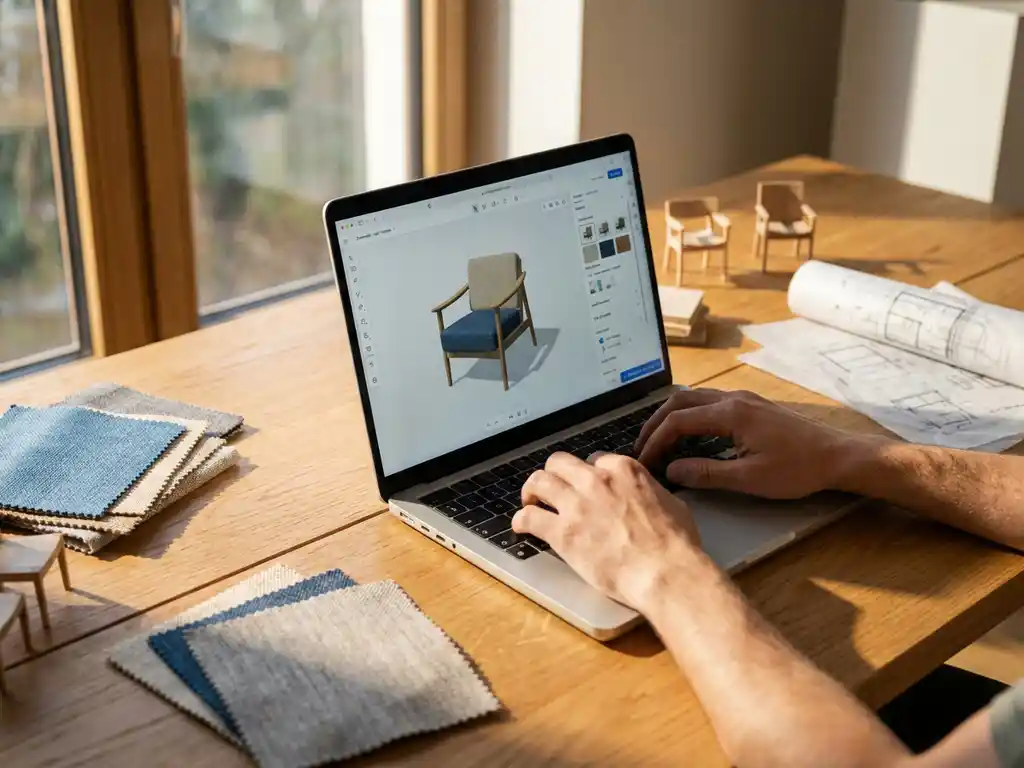
Room planning software typically takes 2-8 weeks to set up completely, depending on your product catalog size, integration requirements, and customization needs. Basic implementations can be ready in as little as 2 weeks, while complex enterprise setups with extensive product libraries and system integrations may require 6-8 weeks for full deployment.
What is room planning software and why do furniture businesses need it?
Room planning software is a 3D visualization tool that allows customers to design, arrange, and visualize furniture layouts in virtual spaces. It enables users to create floor plans, place furniture items, and see how products look together in realistic room environments before making purchase decisions.
Furniture businesses need room planning software because it addresses the fundamental challenge of helping customers visualize products in their own spaces. Traditional product photos only show individual items, leaving customers uncertain about how pieces will look together or fit in their rooms. This uncertainty leads to hesitation, abandoned carts, and higher return rates when products don’t meet expectations.
Room planning software transforms the buying experience by letting customers experiment with different layouts, color combinations, and product configurations in real-time. This interactive approach builds confidence in purchase decisions, reduces the need for physical showroom visits, and allows businesses to showcase their entire product range without requiring extensive floor space or inventory.
How long does the initial room planning software setup take?
Initial room planning software setup typically takes 2-6 weeks for most furniture businesses, with basic implementations launching in 2-3 weeks and more complex deployments requiring 4-6 weeks. The timeline depends primarily on your product catalog preparation, integration requirements, and customization needs.
Cloud-based solutions generally deploy faster than on-premise installations. A basic cloud deployment with standard furniture categories and minimal customization can be operational within 2 weeks. This includes setting up your product library, configuring room templates, and integrating with your existing e-commerce platform.
More complex implementations that require custom room environments, extensive product configuration options, or integration with multiple business systems typically need 4-6 weeks. Enterprise-level deployments with thousands of product variants, custom pricing rules, and advanced workflow integrations may extend to 8 weeks for a complete rollout.
What factors affect room planning software implementation time?
Product catalog size and complexity are the primary factors affecting implementation time. A catalog with 100 simple furniture items requires significantly less preparation than one with 10,000 configurable products across multiple categories, materials, and finish options.
System integration requirements heavily influence the timeline. Basic integrations with e-commerce platforms like Shopify or WooCommerce can be completed quickly, while custom API development for proprietary systems or complex ERP integrations add weeks to the project. Each additional system integration typically adds 1-2 weeks to the implementation schedule.
Customization level also impacts deployment time. Standard room templates and furniture placement tools deploy quickly, while custom room environments, branded interfaces, and specialized configuration workflows require additional development time. The more you deviate from standard functionality, the longer the implementation takes.
Team availability and decision-making speed within your organization significantly affect timelines. Projects move faster when you have dedicated team members who can provide quick feedback, approve designs, and make technical decisions without lengthy approval processes.
How do you prepare your product catalog for room planning software?
Product catalog preparation involves organizing your furniture data, creating 3D models, and establishing product relationships for room planning functionality. This typically requires 1-3 weeks depending on catalog size and existing data quality.
Start by auditing your current product information to ensure you have complete specifications, dimensions, materials, and pricing for each item. Room planning software needs accurate measurements to properly scale furniture in virtual spaces, so missing or incorrect dimensions will delay implementation.
3D model creation is often the most time-intensive step. If you don’t have existing 3D assets, your software provider typically handles model creation from product photos and specifications. Simple furniture pieces like chairs and tables can be modeled quickly, while complex items like sectional sofas with multiple configuration options require more detailed work.
Establish product categorization and relationships that make sense for room planning. Group items by room type, style, and compatibility so customers can easily find coordinating pieces. Set up product families where items work well together, and define any constraints or rules for product combinations.
What’s the difference between cloud-based and on-premise room planning setup?
Cloud-based room planning software deploys in 2-4 weeks with minimal IT infrastructure requirements, while on-premise installations typically require 4-8 weeks due to hardware setup, security configuration, and local system integration needs.
Cloud deployments are faster because the software provider manages the technical infrastructure. You focus on content preparation and configuration while they handle server setup, security, and software updates. This approach works well for most furniture businesses and allows for quicker time-to-market.
On-premise installations give you complete control over data and customization but require more extensive setup. Your IT team must install and configure servers, establish security protocols, and manage ongoing maintenance. This approach suits larger enterprises with specific security requirements or extensive customization needs, but the additional complexity extends implementation timelines.
Hybrid solutions combine cloud convenience with on-premise control by keeping sensitive data local while using cloud-based visualization tools. These deployments typically take 3-5 weeks as they require coordination between cloud and local systems.
How long does staff training take for room planning software?
Staff training for room planning software typically takes 1-2 weeks, with basic user training completed in 2-3 days and advanced administrative training requiring an additional week. Most team members become proficient with core functions within the first week of regular use.
Basic user training covers essential functions like creating room layouts, placing furniture, and helping customers navigate the planning interface. Sales staff and customer service representatives usually master these skills quickly since modern room planning software is designed for intuitive use.
Administrative training takes longer as it covers product catalog management, system configuration, and troubleshooting. This training is typically reserved for dedicated team members who will manage the system day-to-day. Advanced features like custom room creation, pricing rule configuration, and integration management require more extensive training.
Ongoing support and refresher training help teams stay current with new features and best practices. Most software providers offer continuous training resources, documentation, and support to ensure your team maximizes the platform’s potential as your business grows.
Hoe iONE360 helpt met room planning software implementatie
We accelerate room planning software deployment through our proven implementation methodology and 45+ years of furniture industry expertise. Our approach delivers functional room planning solutions in 2-4 weeks by focusing on rapid value delivery and phased rollouts.
- Streamlined catalog preparation: Our team handles 3D model creation and product data optimization, reducing your preparation time by up to 70%
- Pre-built integrations: Ready-made connectors for major e-commerce platforms and furniture industry systems eliminate custom development delays
- Comprehensive training program: Structured onboarding gets your team productive within days, not weeks
- Flexible deployment options: Start with core functionality and add advanced features like AR and product configuration as your needs evolve
Ready to transform your furniture sales with professional room planning software? Explore our showcase examples to see the platform in action, or contact our team to discuss your specific implementation timeline and requirements.
Frequently Asked Questions
Can I start using room planning software with a partial product catalog?
Yes, you can launch with your best-selling or most popular furniture items and gradually add more products over time. Most businesses start with 50-100 core products to get immediate value, then expand their catalog based on customer usage patterns and feedback. This phased approach allows you to start generating results within 2-3 weeks rather than waiting months for a complete catalog.
What happens if my product dimensions are incorrect in the room planner?
Incorrect dimensions will cause furniture to appear disproportionate in virtual rooms, leading to customer confusion and potential returns. Most room planning software includes dimension validation tools and allows for quick corrections. If errors are discovered after launch, they can typically be fixed within 24-48 hours without affecting the entire system.
How do I handle customer support requests during the initial rollout?
Prepare your customer service team with basic troubleshooting guides and escalation procedures before launch. Most room planning software providers offer dedicated support during the first 30 days to handle technical issues. Create simple FAQ resources for common questions about browser compatibility, saving designs, and sharing room layouts with others.
Should I integrate room planning with my existing CRM system immediately?
Start without CRM integration to get the room planner operational quickly, then add CRM connectivity once you understand how customers use the tool. Basic analytics from the room planning software will show you which features customers use most, helping you prioritize which integrations provide the best ROI for your specific business needs.
What's the biggest mistake businesses make during room planning software implementation?
The most common mistake is trying to perfect every detail before launching, which delays deployment by months. Instead, launch with core functionality and iterate based on real customer feedback. It’s better to have customers using a basic room planner in 3 weeks than waiting 12 weeks for a perfect solution that may not match actual user needs.
How do I measure success in the first month after launching room planning software?
Track key metrics like room planner usage rate (percentage of website visitors who use the tool), average session time in the planner, and conversion rate from room planner users versus non-users. Most successful implementations see 15-25% of website visitors engage with the room planner and show 20-40% higher conversion rates from users who create room designs.
Can room planning software work on mobile devices, and does this affect implementation time?
Modern room planning software is designed to work across desktop, tablet, and mobile devices, though the mobile experience may have simplified functionality. Mobile optimization doesn’t typically extend implementation time as it’s built into most current platforms. However, ensure your team tests the mobile experience thoroughly since many customers browse furniture on their phones.