

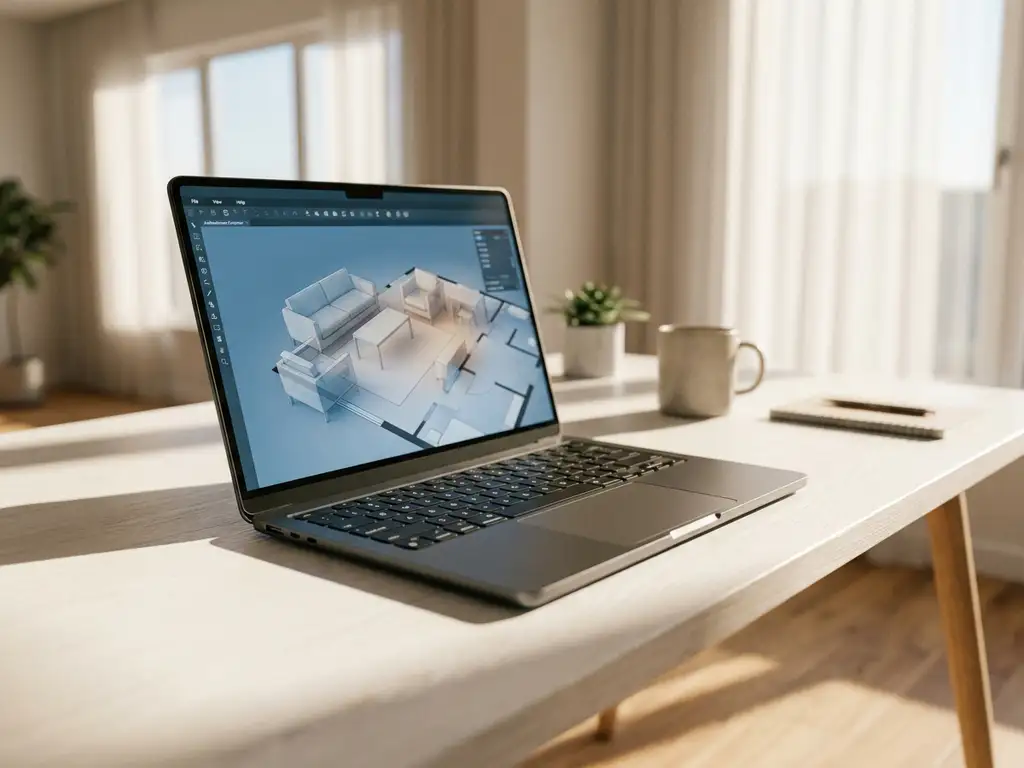
Integrating room planning software with your website involves connecting 3D visualization tools to your existing web platform through APIs, plugins, or embedded widgets. This integration allows customers to design spaces, place furniture, and visualize products directly on your site, creating an interactive shopping experience that increases engagement and sales conversions.
What is room planning software integration?
Room planning software integration is the process of connecting 3D space planning tools with your website’s existing infrastructure. It enables customers to create virtual rooms, place furniture, and customize products directly within your web platform through embedded applications or API connections.
The integration typically involves embedding a 3D room planner widget into your website pages or creating dedicated planning sections. Modern room planning software connects to your product catalog, pricing systems, and shopping cart functionality, creating a cohesive experience from design to purchase.
Integration methods vary from simple iframe embeds to complex API implementations that sync with your content management system, product information management platform, and e-commerce backend. The chosen approach depends on your technical requirements, customization needs, and desired user experience.
Why should furniture retailers integrate room planning into their websites?
Furniture retailers should integrate room planning software because it increases conversion rates by up to 64% and significantly reduces product returns. Interactive 3D visualization helps customers make confident purchasing decisions by showing exactly how products will look and fit in their actual spaces.
Room planning tools address the primary challenge in furniture e-commerce: the uncertainty gap between online browsing and real-world application. When customers can virtually place a sofa in their living room and see it from multiple angles, they gain confidence that static images cannot provide. This confidence translates directly into higher sales and fewer returns.
The technology also enables cross-selling opportunities by encouraging customers to furnish entire rooms rather than purchasing individual items. When users see how well products work together in their space, they often add complementary items like coffee tables, lamps, or decorative accessories to complete the look.
How does room planning software connect to your existing website?
Room planning software connects to websites through APIs, embedded widgets, or plugin installations that integrate with your content management system. The software pulls product data from your catalog and pushes configuration choices back to your shopping cart and order management systems.
API integration is the most robust method, allowing real-time data synchronization between the room planner and your website’s backend systems. This approach enables automatic product updates, dynamic pricing, and inventory status checks within the planning interface. The API handles user authentication, saves customer designs, and processes orders seamlessly.
Widget embedding offers a simpler implementation where you place JavaScript code snippets on specific pages. This method works well for basic room planning functionality without extensive customization. The widget communicates with your site through standardized protocols, maintaining design consistency while adding 3D capabilities.
Some platforms offer WordPress plugins or Shopify apps that simplify integration for common e-commerce systems. These pre-built solutions handle the technical complexity while providing configuration options for branding and feature selection.
What technical requirements are needed for room planning integration?
Room planning integration requires a modern web server capable of handling 3D graphics, API endpoints for product data exchange, and sufficient bandwidth to support real-time 3D rendering. Your website must also support JavaScript and have SSL certification for secure data transmission.
Server requirements include adequate processing power to handle concurrent users running 3D applications and database capabilities to store customer designs and configurations. Most room planning software operates through cloud-based rendering, reducing server load on your infrastructure while maintaining performance.
Your product database needs structured data including dimensions, materials, colors, and pricing information. The integration requires clean, standardized product information that the room planner can interpret and display accurately. This often involves data mapping between your existing catalog format and the planning software’s requirements.
Browser compatibility considerations include support for WebGL for 3D rendering and modern JavaScript frameworks. Most current room planning solutions work across desktop and mobile browsers, but older browser versions may have limited functionality.
How long does it take to integrate room planning software?
Room planning software integration typically takes 2-8 weeks depending on complexity, customization requirements, and your existing technical infrastructure. Simple widget implementations can be completed in days, while comprehensive API integrations with custom features require several weeks of development and testing.
The timeline breaks down into several phases: initial setup and data mapping (1-2 weeks), custom development and branding (1-3 weeks), testing and refinement (1-2 weeks), and staff training and launch preparation (1 week). Complex integrations involving multiple systems or extensive customization may extend this timeline.
Factors affecting integration speed include the quality of your product data, the availability of technical resources, and the scope of customization needed. Well-organized product catalogs with complete dimensional and visual information accelerate the process, while inconsistent data requires cleanup before integration can proceed.
Most room planning providers offer implementation support and project management to ensure smooth deployment within agreed timelines. This includes technical consultation, data migration assistance, and user acceptance testing to verify functionality before going live.
What challenges might you face when integrating room planning tools?
Common integration challenges include data synchronization issues, performance optimization for 3D rendering, and ensuring mobile responsiveness across different devices. Technical complexity increases when connecting multiple systems like inventory management, pricing engines, and customer accounts.
Data quality presents the biggest challenge for most retailers. Room planning software requires precise product dimensions, accurate materials information, and high-quality 3D models or images. Incomplete or inconsistent product data leads to poor user experiences and delayed implementations. Cleaning and standardizing this information often takes longer than the actual technical integration.
Performance optimization becomes critical when serving 3D content to multiple concurrent users. Balancing visual quality with loading speed requires careful configuration, especially for mobile users on slower connections. This challenge grows with catalog size and the complexity of 3D models.
User experience consistency across desktop and mobile platforms requires responsive design considerations. Touch interfaces need different interaction patterns than mouse-based navigation, and screen size limitations affect how much detail users can see and manipulate effectively.
How does iONE360 help with room planning software integration?
We offer comprehensive room planning integration solutions that eliminate technical complexity while delivering powerful 3D visualization capabilities. Our platform provides both white-labeled custom room planners and ready-to-use marketplace solutions that integrate seamlessly with your existing website infrastructure.
Key benefits of our integration approach include:
- API-first architecture that connects with any e-commerce platform or content management system
- Automated product data synchronization that maintains accuracy across all systems
- Mobile-optimized 3D rendering that performs consistently across devices
- Built-in configurator functionality that handles complex product variations and pricing rules
- Comprehensive implementation support from data preparation through launch and beyond
Our 45+ years of furniture industry expertise ensures your room planning integration addresses real customer needs while supporting your business objectives. Ready to transform your online furniture shopping experience? Explore our showcases to see room planning in action, or contact us to discuss your specific integration requirements.
Frequently Asked Questions
What happens to my existing product catalog during room planning integration?
Your existing product catalog remains unchanged during integration. The room planning software connects to your current database through APIs, pulling product information without modifying your original data structure. You may need to enhance product records with additional details like precise dimensions or 3D models, but your core catalog stays intact and continues functioning normally.
How do I handle customers who create room designs but don't complete purchases?
Most room planning platforms provide design saving and sharing features that help recover abandoned designs. You can implement email follow-ups with saved designs, offer design consultation services, or create promotional campaigns targeting users with incomplete projects. The key is treating saved designs as valuable lead generation tools rather than lost sales.
Can room planning software handle custom furniture or made-to-order items?
Yes, advanced room planning software can accommodate custom and made-to-order furniture through configurable product parameters. You can set up variable dimensions, material options, and pricing rules that update in real-time as customers modify specifications. This capability is particularly valuable for retailers offering personalized or bespoke furniture solutions.
What training do my staff need to support customers using the room planner?
Staff should understand basic room planner navigation, common troubleshooting issues, and how to assist customers with design questions. Most implementations require 2-4 hours of training covering the software interface, design best practices, and integration with your ordering system. Ongoing support typically involves helping customers optimize their designs and explaining technical features.
How do I measure the ROI of room planning integration?
Track key metrics including conversion rate improvements, average order value increases, return rate reductions, and time spent on product pages. Most retailers see 15-30% increases in conversion rates and 20-40% higher average order values. Compare these gains against integration costs and ongoing software fees to calculate your return on investment over 12-24 months.
What if my products don't have accurate 3D models or detailed dimensions?
You can start with basic product information and gradually enhance your catalog with better visuals and precise measurements. Many room planning providers offer 3D modeling services or can work with simplified representations initially. Focus on your best-selling items first, then expand coverage as you gather more detailed product specifications.
How does room planning integration affect my website's loading speed?
Modern room planning software uses cloud-based rendering and optimized loading techniques to minimize impact on site speed. The 3D components typically load asynchronously, so your main website pages aren’t affected. However, you should monitor performance metrics and work with your integration provider to optimize loading times, especially for mobile users.
Related Articles
- How does a 3D room planner work without downloading software?
- Should manufacturers invest in furniture visualizer tools?
- How do 3D product configurators help retailers close more sales in-store?
- Do 3D product configurators automatically update when product specs change?
- How do 3D product configurators generate product images automatically?