

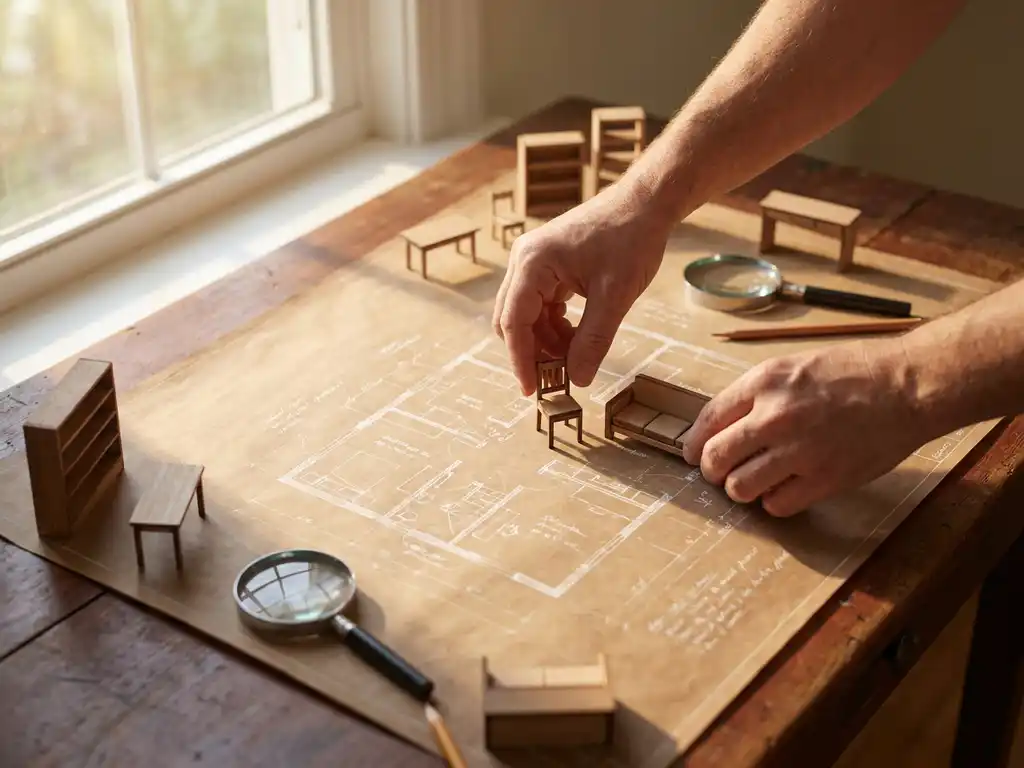
Room planning software improves the customer experience by allowing customers to visualize furniture arrangements in realistic 3D environments before making purchases. This technology eliminates guesswork from furniture shopping, reduces buyers’ remorse, and increases confidence in purchasing decisions by showing exactly how products will look and fit in their actual living spaces.
What is room planning software and how does it work?
Room planning software is a digital tool that creates interactive 3D visualizations of interior spaces, allowing users to place, arrange, and configure furniture virtually. It combines floor plan creation, product catalogs, and real-time 3D rendering to show how different furniture pieces will look and fit together in a specific room.
The software typically starts with users inputting their room dimensions or uploading existing floor plans. They can then select furniture from integrated product catalogs and drag items into the virtual space. Advanced systems provide realistic lighting, textures, and shadows to create photorealistic representations of the finished room.
Modern room planning platforms integrate with product configurators, enabling customers to customize furniture colors, materials, and sizes while seeing changes reflected instantly in the 3D environment. This real-time visualization helps customers understand spatial relationships, traffic flow, and overall aesthetics before committing to purchases.
Why do customers struggle with traditional furniture shopping?
Traditional furniture shopping creates significant challenges because customers must imagine how products will look in their homes based on showroom displays or static product images. This mental visualization often fails, leading to poor purchasing decisions and buyer dissatisfaction.
Showrooms rarely match customers’ actual living spaces in terms of size, lighting, or existing décor. A sofa that looks perfect in a large, professionally lit showroom may overwhelm a smaller home living room. Additionally, customers struggle to coordinate multiple pieces when they can only see items individually or in predetermined showroom arrangements.
The inability to test different layout options compounds these problems. Customers often discover after delivery that their chosen furniture blocks doorways, creates awkward traffic patterns, or simply doesn’t provide the functionality they expected. These issues drive high return rates and create negative shopping experiences that damage customer relationships.
How does 3D room visualization improve purchase confidence?
3D room visualization dramatically increases purchase confidence by eliminating uncertainty about how furniture will look and function in customers’ actual living spaces. When customers can see realistic representations of their furnished rooms, they make more informed decisions and feel confident about their purchases.
The technology addresses the primary fear in furniture buying: making expensive mistakes. Customers can experiment with different arrangements, test various color combinations, and ensure proper spatial fit before ordering. This comprehensive preview reduces anxiety and hesitation that often leads to abandoned purchases.
Photorealistic rendering quality has reached the point where customers can accurately assess how different materials, finishes, and lighting conditions will affect their choices. They can see how a leather sofa will look versus fabric options, or how different wood stains coordinate with existing flooring, creating confidence that their final selection will meet expectations.
What features make room planning software effective for customers?
Effective room planning software combines intuitive drag-and-drop functionality, accurate scaling, real-time 3D rendering, and integrated product customization. These features work together to create a seamless experience that closely mirrors the actual furniture shopping and placement process.
Accurate measurement tools ensure that furniture fits properly in the designated space. The software should automatically detect and prevent impossible arrangements, such as overlapping furniture or pieces that block essential pathways. Smart snap-to-grid functionality helps customers create realistic layouts while maintaining proper spacing and alignment.
Integration with product configurators allows customers to modify furniture specifications directly within the room planning environment. They can change upholstery colors, adjust dimensions, or select different hardware finishes while immediately seeing how these changes affect the overall room design. Interactive showcases demonstrate how these features work together to create compelling customer experiences.
Advanced features include lighting simulation, which shows how natural and artificial light affects furniture appearance throughout the day, and augmented reality capabilities that let customers view their designed rooms through their mobile devices in their actual spaces.
How does room planning software reduce customer service inquiries?
Room planning software significantly reduces customer service inquiries by providing clear, visual answers to common questions about product fit, appearance, and compatibility before customers make purchases. When customers can see exactly how furniture will look and function in their space, they need fewer clarifications and have fewer post-purchase concerns.
The most common furniture-related customer service issues involve sizing concerns, color matching questions, and layout uncertainty. Room planning software addresses all these issues proactively by showing accurate dimensions, realistic color representation, and functional arrangement options. Customers can answer their own questions through experimentation rather than contacting support staff.
Post-purchase inquiries also decrease because customers have realistic expectations about their furniture deliveries. They’ve already seen how pieces will look in their space, reducing surprise and disappointment that often generates complaint calls. This self-service approach improves customer satisfaction while reducing operational costs for retailers.
How iONE360 helps with room planning software
We provide comprehensive room planning solutions that transform how customers experience furniture shopping. Our platform combines advanced 3D visualization, integrated product configuration, and seamless e-commerce integration to create engaging customer experiences that drive sales and reduce returns.
Key benefits of our room planning software include:
- Photorealistic 3D rendering that accurately represents furniture in customer spaces
- Real-time product customization with instant visual feedback
- Seamless integration with existing e-commerce platforms and product catalogs
- Mobile-responsive design that works across all devices
- Advanced measurement tools that prevent sizing errors
- Automated high-quality image generation for marketing purposes
Our solution is built on over 45 years of furniture industry expertise, ensuring that we understand the unique challenges and requirements of furniture retailers and manufacturers. Ready to see how room planning software can transform your customer experience? Contact us to schedule a personalized demonstration of our platform.
Frequently Asked Questions
What technical requirements do customers need to use room planning software?
Most modern room planning software runs directly in web browsers without requiring downloads or special software installations. Customers need a device with internet access (computer, tablet, or smartphone) and a modern browser like Chrome, Safari, or Firefox. For the best experience, we recommend devices with at least 4GB of RAM and a stable internet connection.
How accurate are the measurements and scaling in 3D room visualizations?
Professional room planning software uses precise scaling algorithms that maintain accurate proportions between furniture and room dimensions. Most platforms are accurate within 1-2% of actual measurements when room dimensions are input correctly. The software typically includes measurement verification tools and automatic collision detection to ensure furniture fits properly and maintains realistic spacing.
Can customers save and share their room designs with family members or designers?
Yes, most room planning platforms allow customers to save their designs to accounts and generate shareable links or images. This enables customers to collaborate with family members, get feedback from friends, or work with interior designers. Many platforms also offer export options for high-resolution images or PDF layouts that can be printed or shared via email.
What happens if customers need to modify their room design after making a purchase?
Room planning software typically allows customers to continue editing their saved designs even after purchase, which is helpful for planning future additions or modifications. However, changes to already-ordered furniture (size, color, configuration) depend on the retailer’s modification policies and the production status of the items. Most retailers offer modification windows before manufacturing begins.
How do I get started if I've never used room planning software before?
Start by measuring your room accurately (length, width, height) and noting the locations of doors, windows, and electrical outlets. Most platforms offer guided tutorials or templates to help beginners. Begin with a simple layout using just a few key furniture pieces, then gradually add more items as you become comfortable with the interface.
Does room planning software work for unusual room shapes or custom spaces?
Advanced room planning software can accommodate irregular room shapes, angled walls, and custom architectural features. Users can typically input custom dimensions, add architectural elements like bay windows or alcoves, and work around obstacles like columns or built-ins. Some platforms also support importing floor plans from architectural drawings for complex spaces.
How long does it typically take to create a complete room design?
Simple room layouts can be created in 15-30 minutes, while complex designs with multiple furniture pieces and detailed customization may take 1-2 hours. The time varies based on room size, number of furniture items, level of customization, and user experience with the software. Most customers find the process engaging and time well-spent given the confidence it provides in their purchasing decisions.
Related Articles
- Why furniture manufacturers need an AI enhanced product configurator right now
- What file formats do room visualizers support for 3D models?
- Which AI tool is best for interior design?
- How do you keep a product configurator accessible on mobile devices?
- Can small furniture businesses afford 3D configurators?