

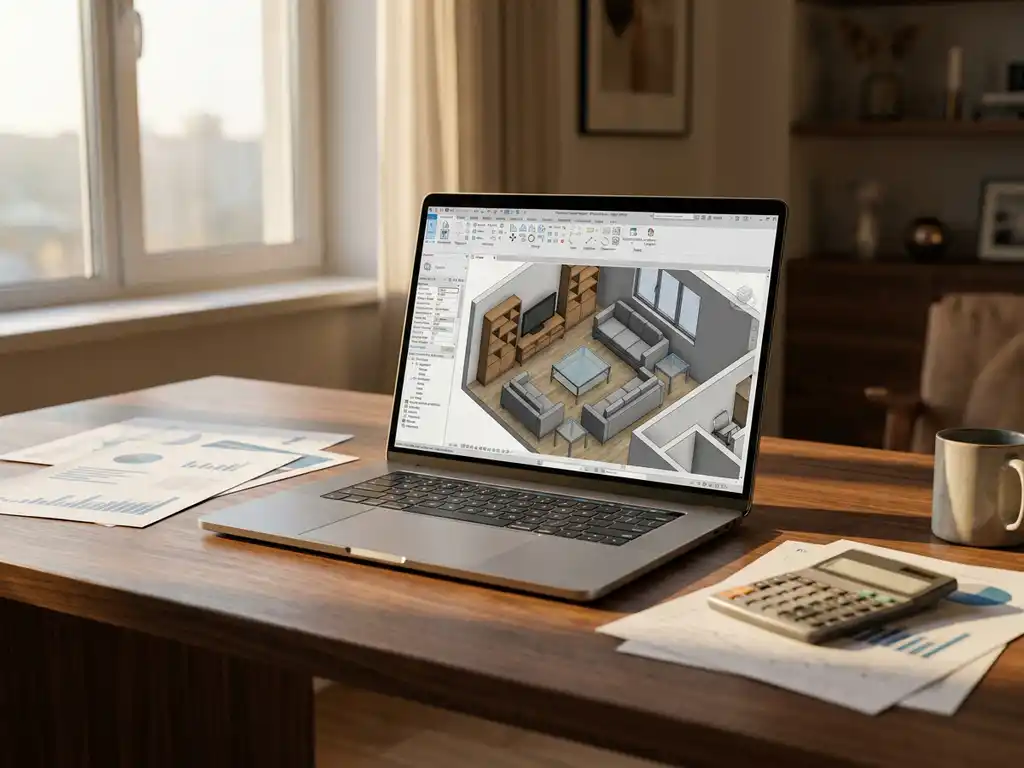
Room planning software costs in 2026 range from free basic tools to enterprise solutions priced between $50-500 per month per user, with most businesses paying $100-300 monthly for professional features. Pricing depends on functionality depth, user count, integration requirements, and whether you need basic floor planning or advanced 3D visualization with product configuration capabilities.
What is room planning software and why do businesses need it?
Room planning software is a digital tool that enables users to create floor plans, arrange furniture, and visualize interior spaces in 2D or 3D environments. It helps businesses showcase products in realistic room settings, allowing customers to experiment with layouts and see how items work together before purchasing.
Businesses in the furniture, home decor, and interior design industries use room planning software to bridge the gap between imagination and reality. Traditional product photography can’t show every possible combination or configuration, especially for customizable furniture. Advanced room planning tools solve this by letting customers place, configure, and visualize products in virtual environments that match their actual spaces.
The software addresses key business challenges, including high return rates due to sizing mismatches, customer uncertainty about product compatibility, and the impossibility of photographing every product variant in every possible room setting. Research shows that showing products in room environments can increase buying intent by up to 64%, making room planning software a powerful sales enablement tool.
How much does room planning software typically cost in 2026?
Room planning software pricing in 2026 typically ranges from $50-500 per month per user for professional solutions, with enterprise packages starting around $1,000 monthly. Basic business plans average $100-200 monthly, while advanced 3D visualization and product configuration features push costs to $300-500 per user.
Free options like SketchUp Free and basic versions of established tools provide limited functionality suitable for simple projects. Mid-tier solutions ($100-300 monthly) offer professional floor planning, basic 3D rendering, and standard furniture libraries. Premium platforms ($300-500+ per user) include photorealistic rendering, extensive product catalogs, AR capabilities, and integration with e-commerce systems.
Enterprise pricing varies significantly based on customization requirements, user count, and integration complexity. Large furniture retailers and manufacturers often pay $5,000-25,000 monthly for white-labeled solutions with custom product libraries, API integrations, and dedicated support. Volume discounts and annual contracts typically reduce per-user costs by 15-30%.
What’s the difference between free and paid room planning tools?
Free room planning tools offer basic floor plan creation and simple furniture placement, while paid versions provide advanced 3D visualization, extensive product libraries, professional rendering quality, and business integrations. Free tools typically limit project complexity, export options, and collaboration features.
Free solutions like basic floor planners work well for simple residential projects but lack the sophisticated features businesses need. They often restrict room dimensions, furniture options, and rendering quality. Export capabilities are usually limited to low-resolution images, and there’s minimal support for custom products or branding.
Paid platforms offer professional-grade features, including photorealistic 3D rendering, extensive furniture catalogs from major manufacturers, custom product integration, and high-resolution exports. Business-focused features include white-labeling, API access, customer data analytics, and integration with CRM or e-commerce platforms. Advanced tools also provide AR viewing, real-time collaboration, and automated quote generation based on configured room layouts.
What factors influence room planning software pricing?
Room planning software pricing is influenced by rendering quality, product library size, integration capabilities, user count, customization level, and support requirements. Advanced 3D visualization, extensive manufacturer catalogs, and API integrations significantly increase costs compared to basic floor planning tools.
Feature complexity drives the largest price variations. Basic 2D floor planning costs significantly less than photorealistic 3D rendering with real-time lighting and materials. Product library depth also impacts pricing, with access to thousands of configurable furniture items from major brands commanding premium rates compared to generic furniture sets.
Integration requirements heavily influence enterprise pricing. Software that connects with existing PIM systems, e-commerce platforms, or CRM tools requires custom development and ongoing maintenance. User licensing models vary from per-seat pricing for small teams to usage-based pricing for customer-facing applications. White-labeling, custom branding, and dedicated support add 50-100% to base subscription costs.
Geographic factors also play a role, with European and North American solutions typically priced higher than alternatives from other regions. Cloud hosting, data storage requirements, and compliance with regional privacy regulations contribute to regional pricing differences.
How do you calculate ROI for room planning software investment?
Calculate room planning software ROI by comparing the total cost of ownership against measurable benefits, including increased conversion rates, reduced return rates, higher average order values, and decreased customer service costs. Most businesses see positive ROI within 6-12 months through improved sales performance and operational efficiency.
Start by establishing baseline metrics, including current conversion rates, average order values, return rates, and customer acquisition costs. Track how room planning software impacts these metrics over time. Typical improvements include 15-30% higher conversion rates, 20-40% reduction in returns due to sizing issues, and 25-50% increase in average order values as customers configure and purchase multiple items together.
Factor in cost savings from reduced photography needs, as room planning software can generate thousands of product-in-room images automatically. Many businesses eliminate 60-80% of traditional product photography costs while achieving greater visual variety. Additionally, consider a reduced customer service burden as customers answer their own questions through interactive visualization.
Calculate the investment, including software licensing, implementation costs, training, and ongoing maintenance. Compare this against the value of increased sales, cost savings, and improved customer satisfaction. Most furniture and home decor businesses achieve ROI within the first year, with returns continuing to compound as customer adoption increases.
How iONE360 helps with room planning software costs
We provide cost-effective room planning solutions that eliminate the need for multiple software subscriptions while delivering enterprise-grade functionality. Our integrated platform combines 3D room planning with product configuration, reducing total ownership costs by 40-60% compared to fragmented tool approaches. Key benefits include:
- Unified platform eliminating separate visualization, configuration, and e-commerce tools
- Flexible deployment options from white-labeled integration to ready-to-use marketplace solutions
- Scalable pricing that grows with your business without per-user limitations for customer-facing applications
- Built-in product configurator reducing dependency on external photography and content creation
- Proven ROI with furniture industry clients seeing 25-40% conversion improvements within 6 months
Ready to explore how our room planning software can optimize your costs while boosting sales? Contact us for a personalized demonstration and ROI analysis based on your specific business requirements.
Frequently Asked Questions
How long does it typically take to implement room planning software across my organization?
Implementation timelines vary from 2-8 weeks depending on complexity and integration requirements. Basic deployments with standard product catalogs can be live within 2-3 weeks, while custom integrations with existing PIM systems or extensive product customization may take 6-8 weeks. Most businesses see initial results within the first month of deployment.
What are the most common mistakes businesses make when choosing room planning software?
The biggest mistake is focusing solely on price rather than total cost of ownership and functionality gaps. Many businesses underestimate integration complexity, choose tools that don’t scale with growth, or select solutions without proper mobile optimization. Another common error is not evaluating the quality and depth of product libraries before committing to a platform.
Can room planning software handle custom or made-to-order furniture products?
Yes, advanced room planning platforms support custom and configurable products through parametric modeling and real-time configuration engines. These systems allow customers to modify dimensions, materials, colors, and components while seeing changes instantly in the 3D environment. However, this capability significantly impacts pricing and requires proper product data structure.
How do I measure if my room planning software investment is actually working?
Track key metrics including conversion rates on product pages with room planning tools, average session duration, cart abandonment rates, and return rates for products purchased through the planner. Most successful implementations show 15-30% higher conversion rates and 20-40% fewer returns within 3-6 months. Also monitor customer engagement metrics like tool usage frequency and session depth.
What technical requirements do I need to consider before implementing room planning software?
Key technical considerations include internet bandwidth for 3D rendering (especially for customer-facing applications), mobile device compatibility, browser requirements, and integration capabilities with existing e-commerce or CRM systems. Cloud-based solutions typically require less internal IT resources but may have ongoing data transfer costs for high-volume usage.
Is it better to buy room planning software or build it in-house?
Building in-house typically costs 3-5x more than purchasing existing solutions and takes 12-18 months longer to deploy. Custom development requires specialized 3D graphics expertise, ongoing maintenance, and continuous feature updates to stay competitive. Most businesses achieve better ROI by purchasing established platforms and investing saved resources in marketing and customer experience optimization.
How do I ensure my team will actually adopt and use new room planning software?
Successful adoption requires proper training, clear workflows, and demonstrable value for daily tasks. Start with pilot programs involving your most tech-savvy team members, provide comprehensive training sessions, and establish clear metrics showing how the tool improves their performance. Choose intuitive platforms with strong customer support and consider change management consulting for larger implementations.